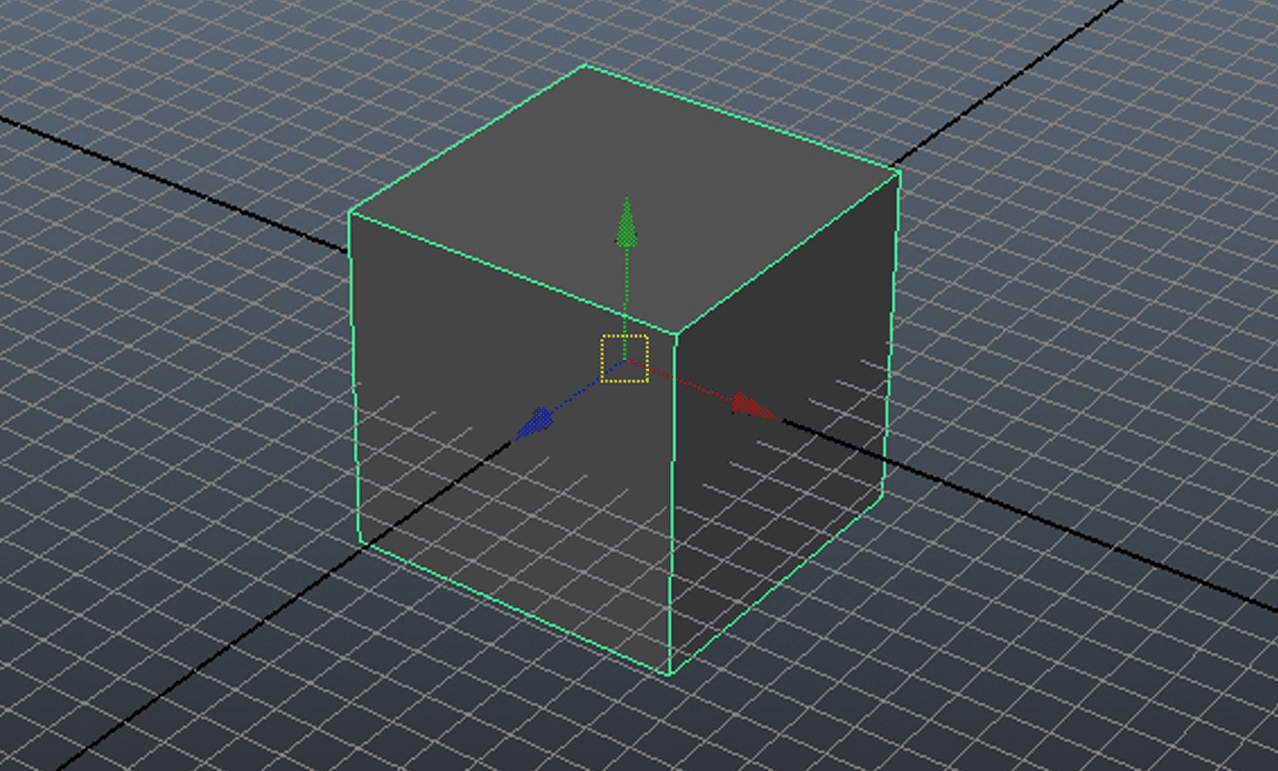
Modifying an object inside Maya usually involves modifying its attributes.
These attributes are represented in code by the object name followed by the attribute name:
polyCube1.input
Where .input would be the attribute name, for example .translate, .rotate etc
Let’s see an example:
# Import the Maya commands library
from maya import cmds

# Create a cube
cube = cmds.polyCube()

# Store the cube name
cubeShape = cube[0]

# Store the size of the object on the X axis using the scale attribute
xSize = cmds.getAttr(cubeShape+'.scaleX')

print xSize
Output: 1.0
Shorthand Attributes
Attributes in Maya have shorthand versions, to name a few:
| translateX | tx |
| translateY | ty |
| translateZ | tz |
| scaleX | sx |
| scaleY | sy |
| scaleZ | sz |
| rotateX | rx |
| rotateY | ry |
| rotateZ | rz |
We’ll modify our previous code to use the shorthand:
# Import the Maya commands library
from maya import cmds

# Create a cube
cube = cmds.polyCube()

# Store the cube name
cubeShape = cube[0]

# Store the size of the object on the X axis using the scale attribute (shorthand)
xSize = cmds.getAttr(cubeShape+'.sx')

print xSize